From Obsidian notes to a finished manuscript
Obsidian is a fine place to keep notes. Turning those notes into a thesis or a book, with citations, a supervisor’s tracked changes and a typeset PDF, usually takes a stack of plugins and Pandoc. Grasmere is a Mac app that opens the same vault and does that part.
Your vault is already a project
An Obsidian vault is a folder of Markdown files, and so is a Grasmere project. Choose File ▸ Open Folder, pick the vault, and your notes are listed as they are. Nothing is imported or converted, and Obsidian can go on opening the same folder.
What long writing needs that notes don’t
Citations without plugins
In Obsidian, citing usually means a citation plugin, Pandoc and a style file. In Grasmere, a source is a document in your research folder and a citation is a link to it. Type [@, pick the source, and the export writes APA, Harvard, Chicago or MLA with a reference list. A Zotero library comes in from a BibTeX or CSL JSON file. See Using Zotero with Markdown.
Word, there and back
Export a chapter as a Word file for your supervisor or editor. When they return it, their tracked changes and comments appear beside your Markdown, to accept or reject one at a time. See Markdown to Word, and back again.
Many notes, one manuscript
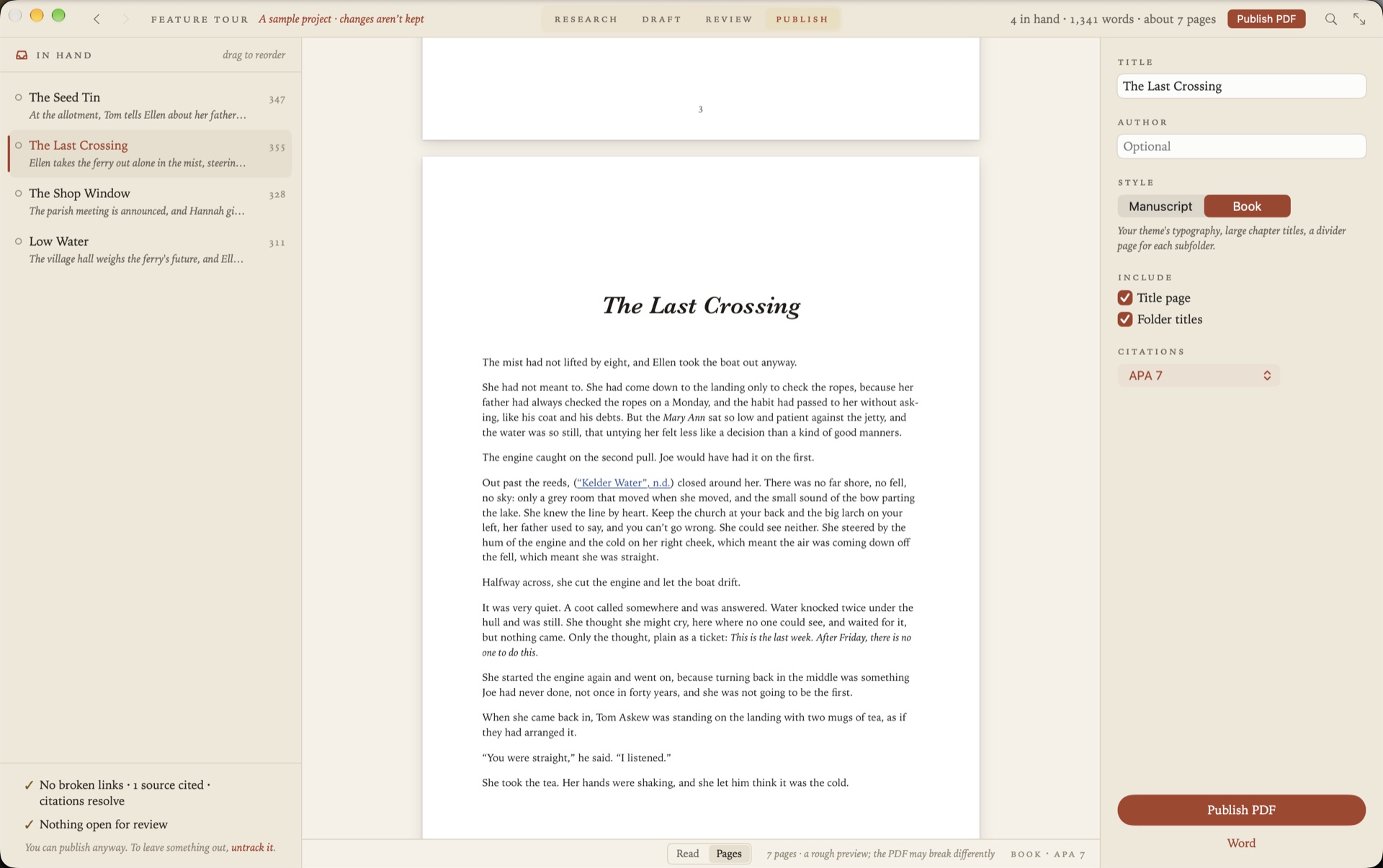
Put the chapters in order by dragging. Grasmere reads them straight through as one piece and publishes them as a PDF, in standard manuscript format or as a typeset book with a contents page and footnotes, or as one Word document.
Using both on the same vault
A few things are worth setting up.
- Links. Grasmere uses standard Markdown links,
[Name](Name.md), and doesn’t follow[[wiki-links]]. Project ▸ Convert Wiki-Links shows how many links in how many documents would change, then rewrites them all, with Undo. Aliases, links to headings and embedded pictures are kept. - New links. In Obsidian’s settings, under Files and links, turn off Use [[Wikilinks]] and set New link format to Relative path to file. New links then suit both apps.
- Tasks. Due dates written as
📅 2026-10-12, the way the Tasks plugin writes them, work as they are. - Daily notes. Grasmere’s journal finds your existing entries, named year first, day first or month first.
- Folders you don’t want. Project ▸ Ignored Folders leaves a folder out of the contents, search and links.
What you’d give up
Grasmere isn’t a replacement for everything Obsidian does.
- There are no plugins.
- There’s no canvas.
- It’s for the Mac only, on macOS 26 or later, with no phone app.
- Wiki-links have to be converted to standard links.
Plenty of people will want both. Obsidian for the notes, and Grasmere when the notes have to become a document someone else will read.
Questions
Will Grasmere change my vault?
It adds a project.md at the top of the folder, for the project’s summary and order. Your notes are changed only when you edit them, or when you ask for something like Convert Wiki-Links, which can be undone.
Do standard Markdown links still work in Obsidian?
Yes. Obsidian follows them, and counts them as backlinks.
What about the data my plugins keep?
Grasmere reads Markdown and leaves everything else in the folder alone. Front matter is kept exactly as it is.
Open your vault. Leave with a manuscript.
Choose File ▸ Open Folder and pick your vault. The trial is free for 14 days.
Download for macOS Free for 14 days, then $14.99 once · macOS 26+